
Ask most small-business owners why they don't have more Google reviews and you'll hear the same answer: "I keep forgetting to ask."
That's honestly the whole problem for most businesses. Happy customers are happy to leave a review. They just need to be asked, at the right moment, with a link that takes ten seconds to use.
But before the how, the rules, because Google changed them this year.
What Google tightened in 2026
In April 2026 Google updated the prohibited content rules for Maps and Business Profiles. The "no fake reviews" rule isn't new, but the update spelled out more specific behaviour that can get reviews removed or your profile restricted. In plain terms, you shouldn't:
- Offer anything in exchange for a review. No discounts, free products, prize draws or "10% off your next visit". This applies even if you ask for an honest review.
- Only ask happy customers. Sending a "How did we do?" survey first and only passing the 5-star people to Google is called review gating, and it isn't allowed.
- Tell people what to write. Asking customers to mention a staff member's name, a specific service or keywords like your suburb is now explicitly discouraged.
- Set review quotas for staff. "Everyone needs five reviews this month" is out.
- Blast your whole customer list at once. A sudden spike of reviews from a bulk email can look like manipulation.
If any of those describe what you're doing now, stop. Losing reviews you've already earned is much worse than getting new ones slowly.
A simple system that works
1. Ask everyone, soon after the job
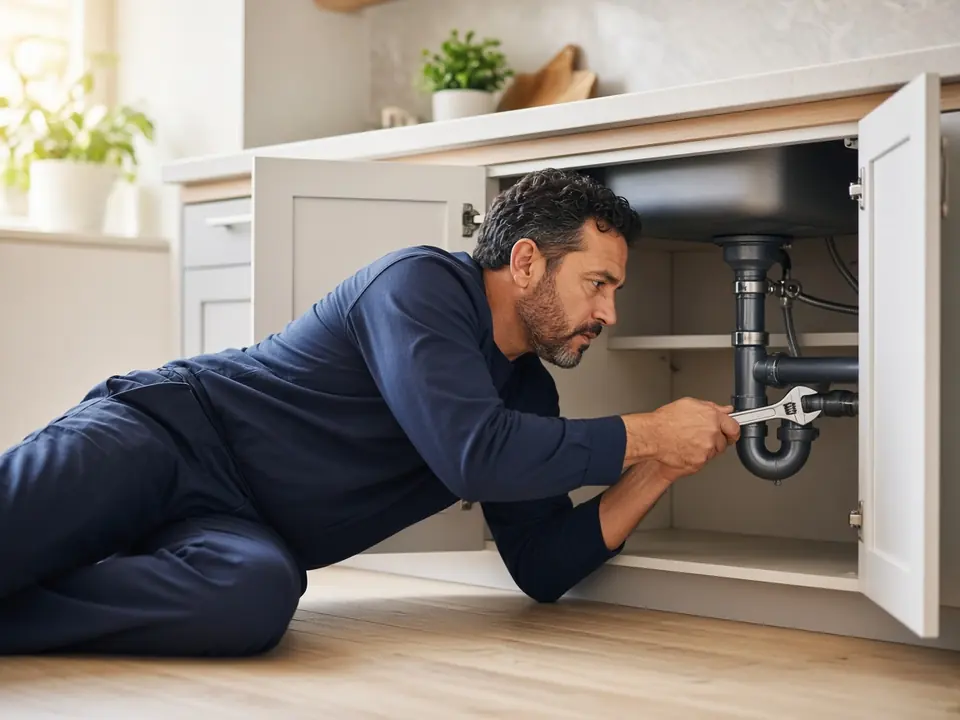
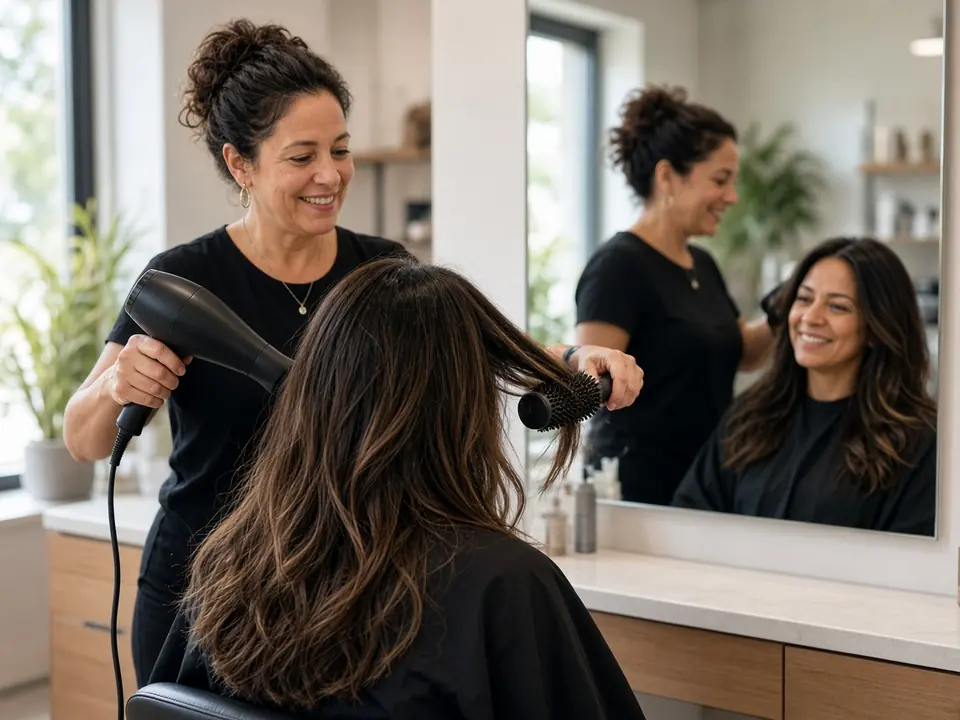
The best time to ask is within a day of the visit, while the experience is fresh. For a salon, that's the same evening. For a plumber, it's when the job's marked complete. For a travel agent, it's the day after they get home.
2. Make it one tap
Get the direct review link from your Google Business Profile (look for "Ask for reviews" or "Share review form"). Shorten it, and turn it into a QR code too. Every extra step loses people.
3. Keep the message short and neutral
Hi Sarah, thanks for coming in today. If you have a minute, we'd really value an honest review: [link]. Thanks, Emma at Lumen Hair Studio
That's it. No "5 stars would mean the world!", no hints about what to say.
4. Use the tools you already have
Many booking, invoicing and job-management apps have a built-in review request feature. Switch it on and point it at your Google link. If yours doesn't, a text message from your phone works fine.
5. Put the link where people already look
Receipts, invoices, email signatures, the thank-you page after a booking, a small card left after a home visit. None of these are pushy. They're just there when someone feels like saying thanks.
Replies matter more than people think
When customers see that a business answers its reviews, they're more inclined to leave one. It feels like someone will actually read it. Replying to every review, good and bad, is one of the easiest ways to keep new ones coming. We wrote a separate guide on how to reply to bad reviews.
What to expect
We won't promise you a number, and you should be wary of anyone who does. How many reviews you get depends on how many customers you serve and how good the experience is. What a simple system does is make sure no happy customer slips through without being asked. For most businesses that's the difference between a review a month and a review a week.
Want this handled for you? Website care, Google review replies and a month of social content, about 15 minutes of your time. Your first month is free.
Claim your free month
Kirti Poddar is the founder of Hotkhana Media Services, the company behind HashtagItRight, Hotkhana and Pixexa Studios. Before starting it in 2016 he spent three decades in marketing, sales and channel leadership at IBM, Lenovo and SGI. More about our team →